
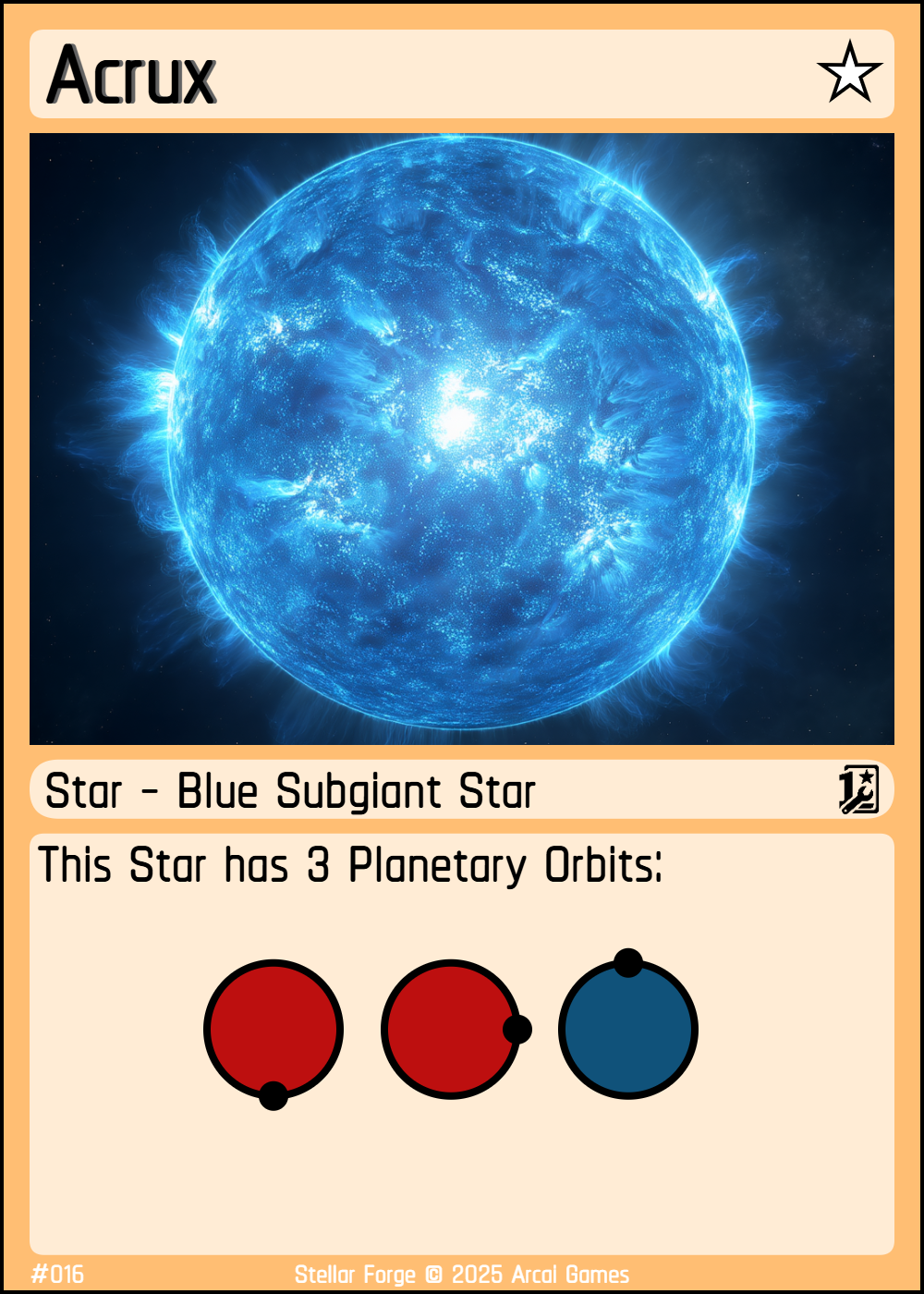
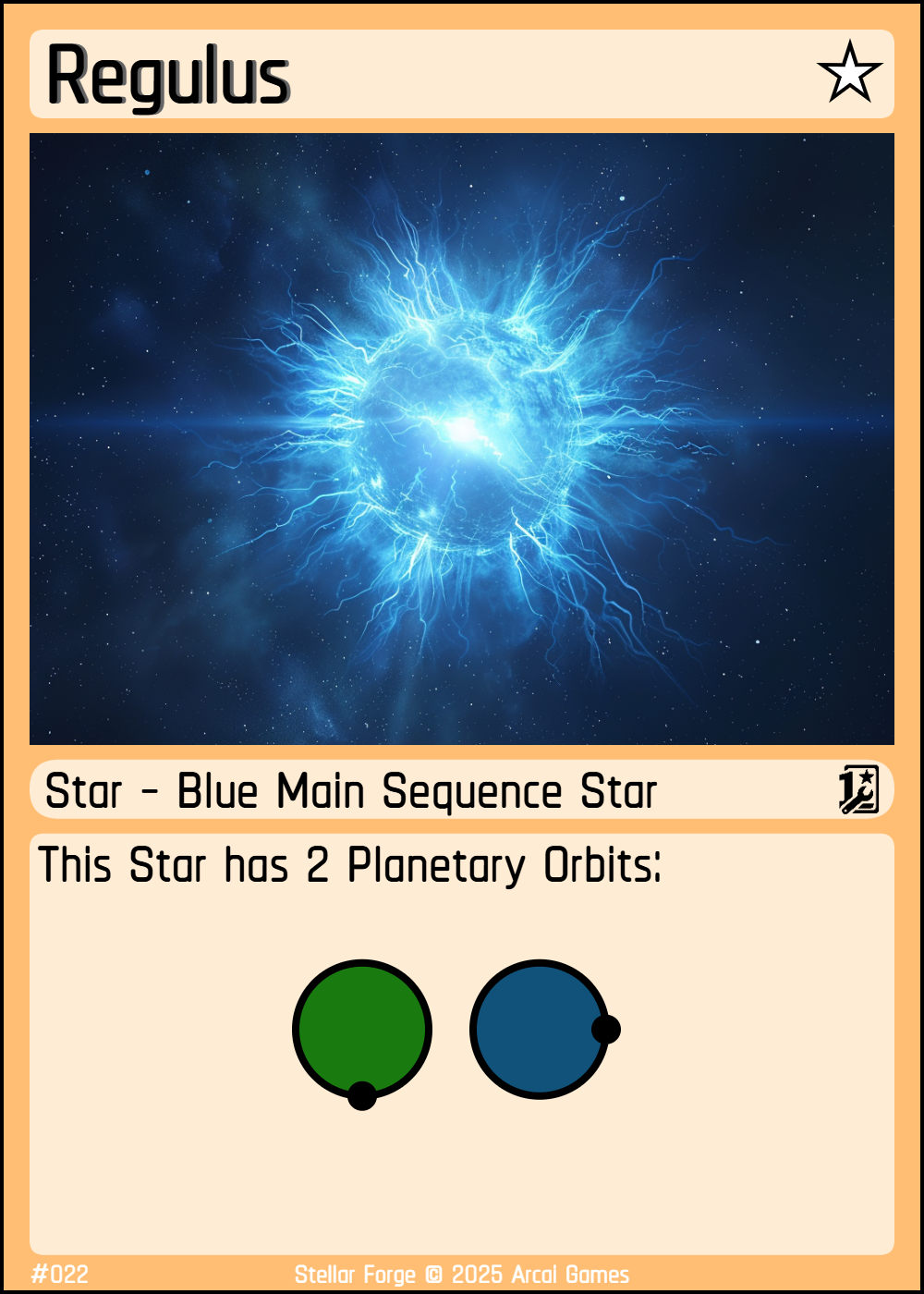
Provides orbit slots for planets. Orbits have temperature zones Hot, Temperate or Cold. Play by placing one during the Exploration Phase into an empty slot in your sector (obey zone limits).
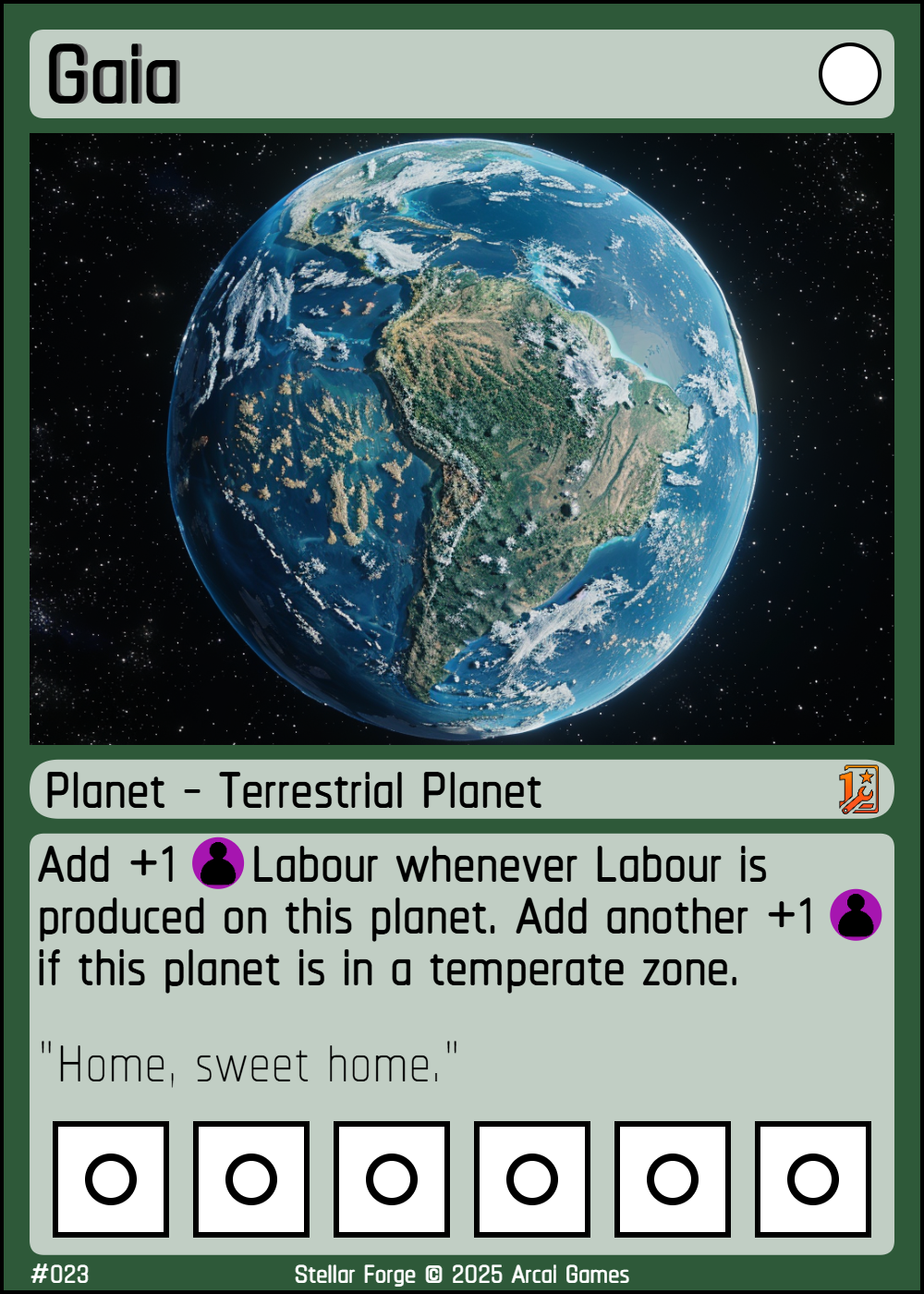
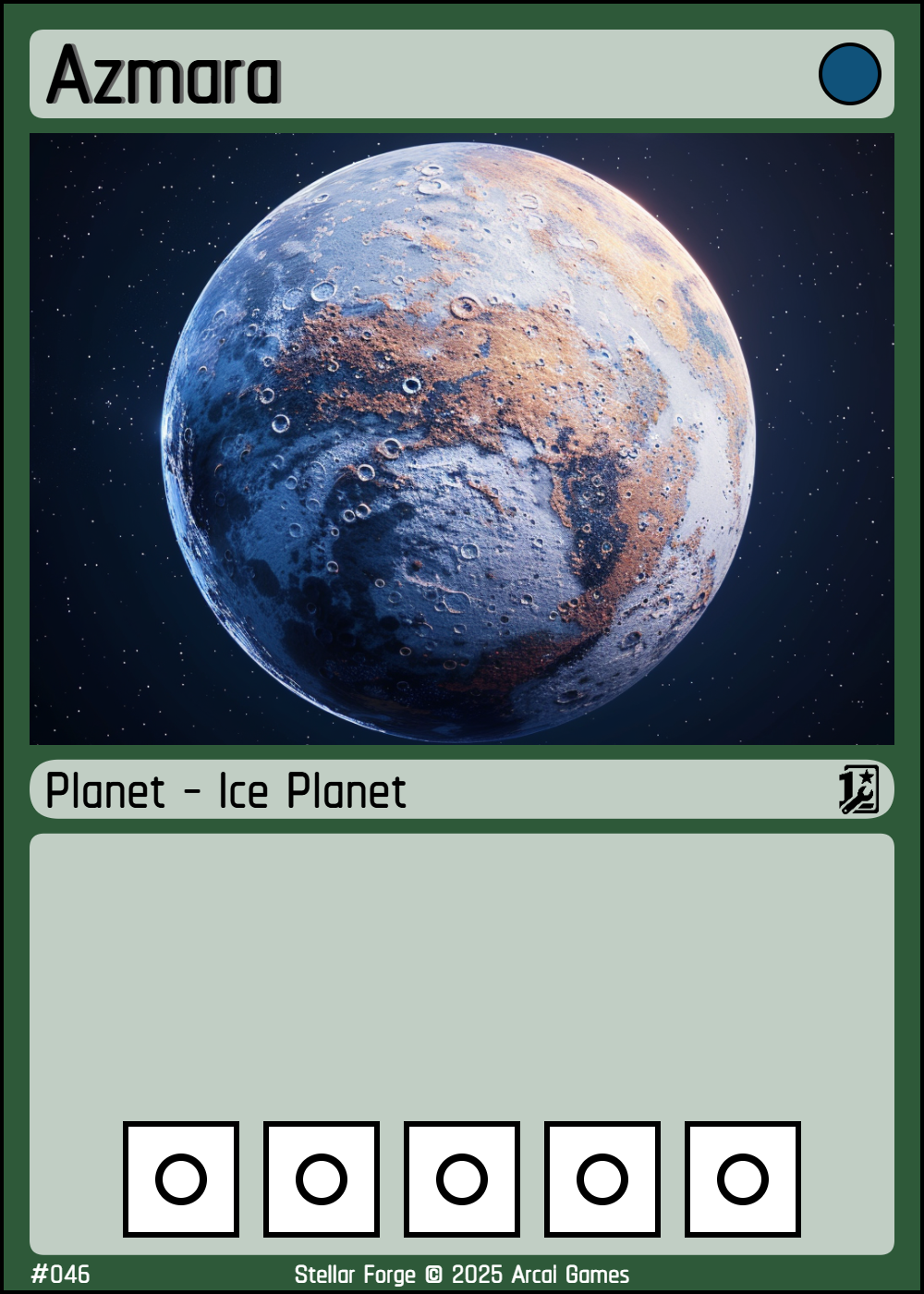
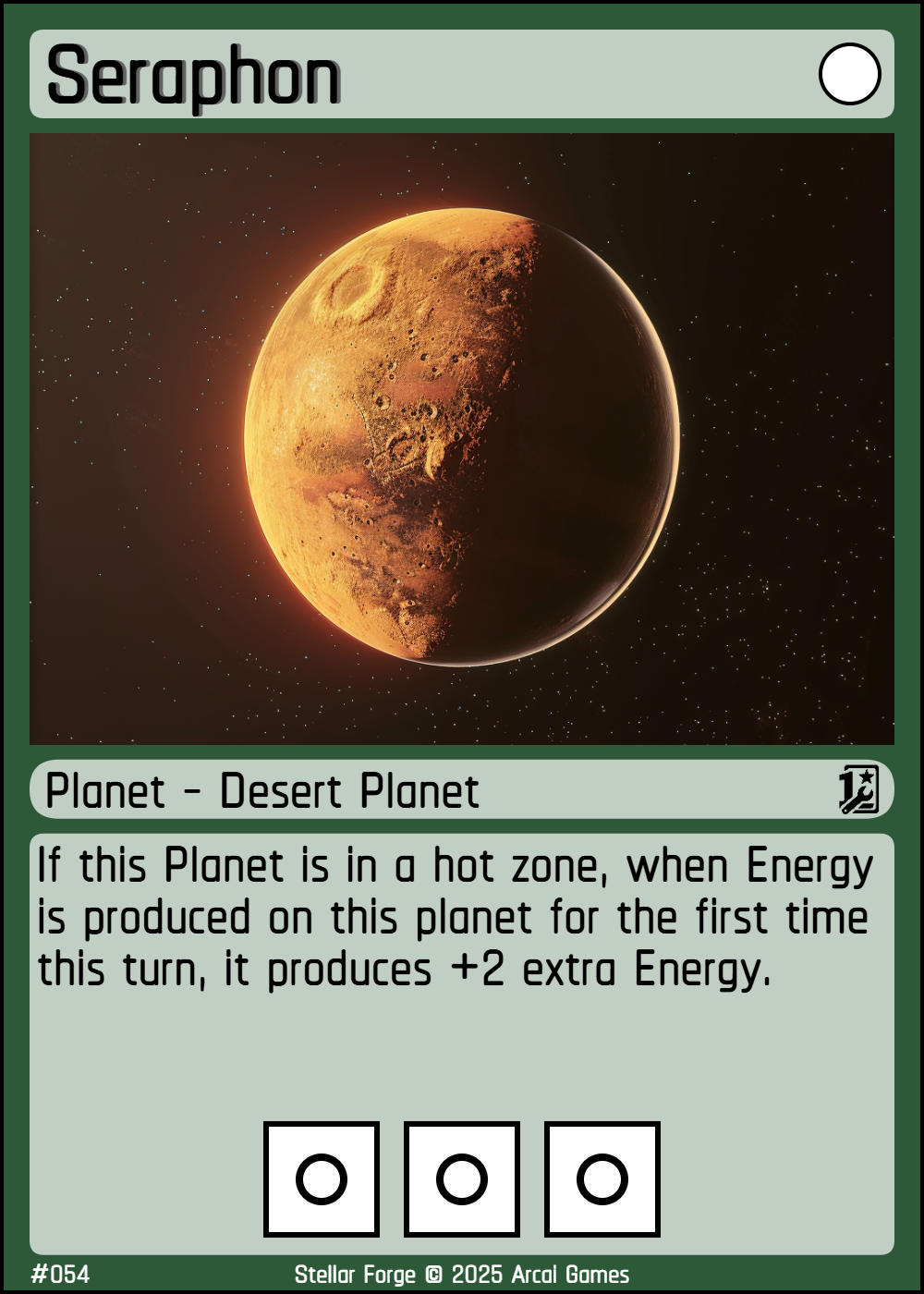
Provides Planetary Slots to construct planetary Tech. Play by placing it during your Exploration Phase into a compatible orbit on a star you control (a white icon indicates no restriction, while colored icons indicate that the planet must be placed in a matching planetary orbit).
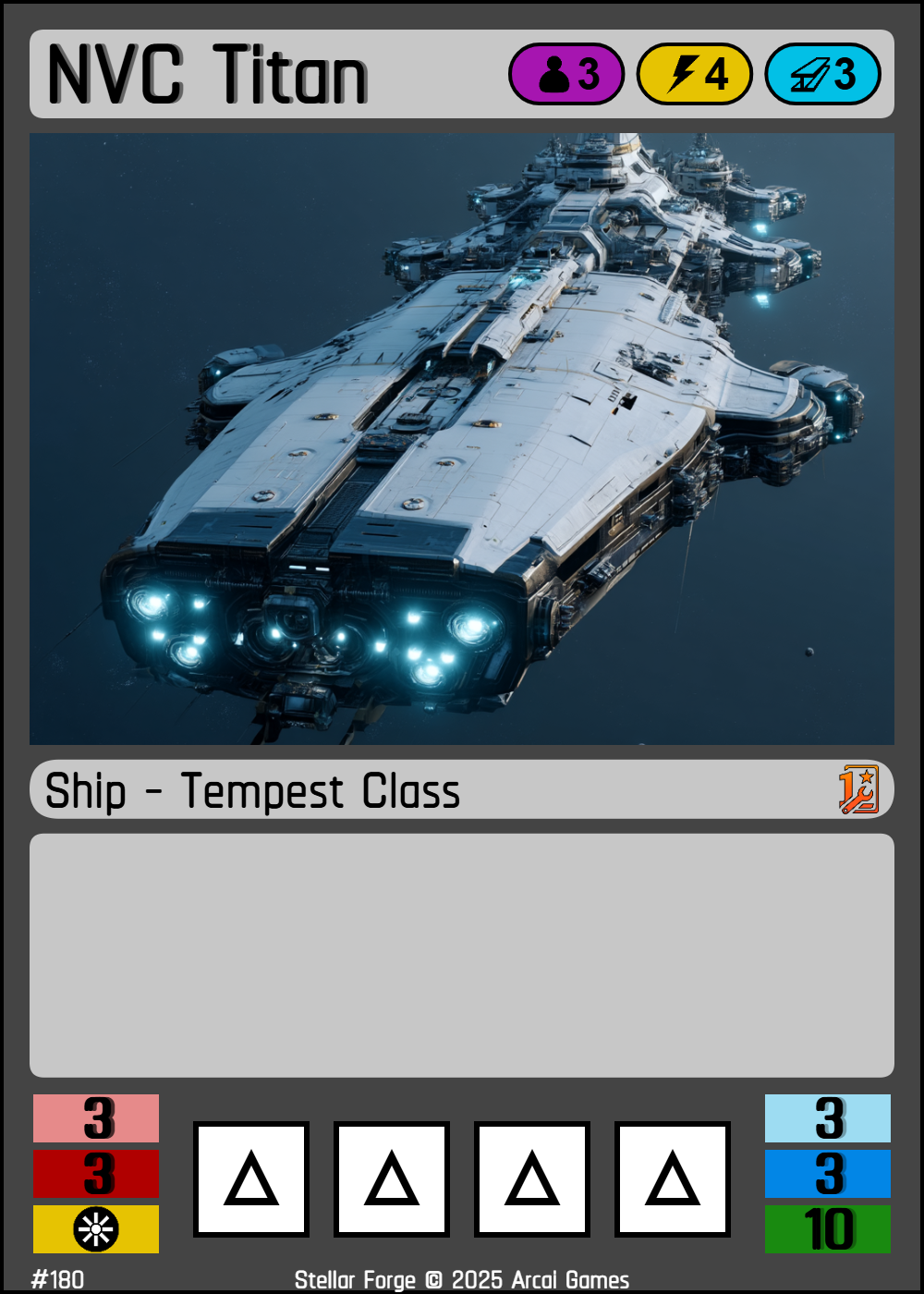
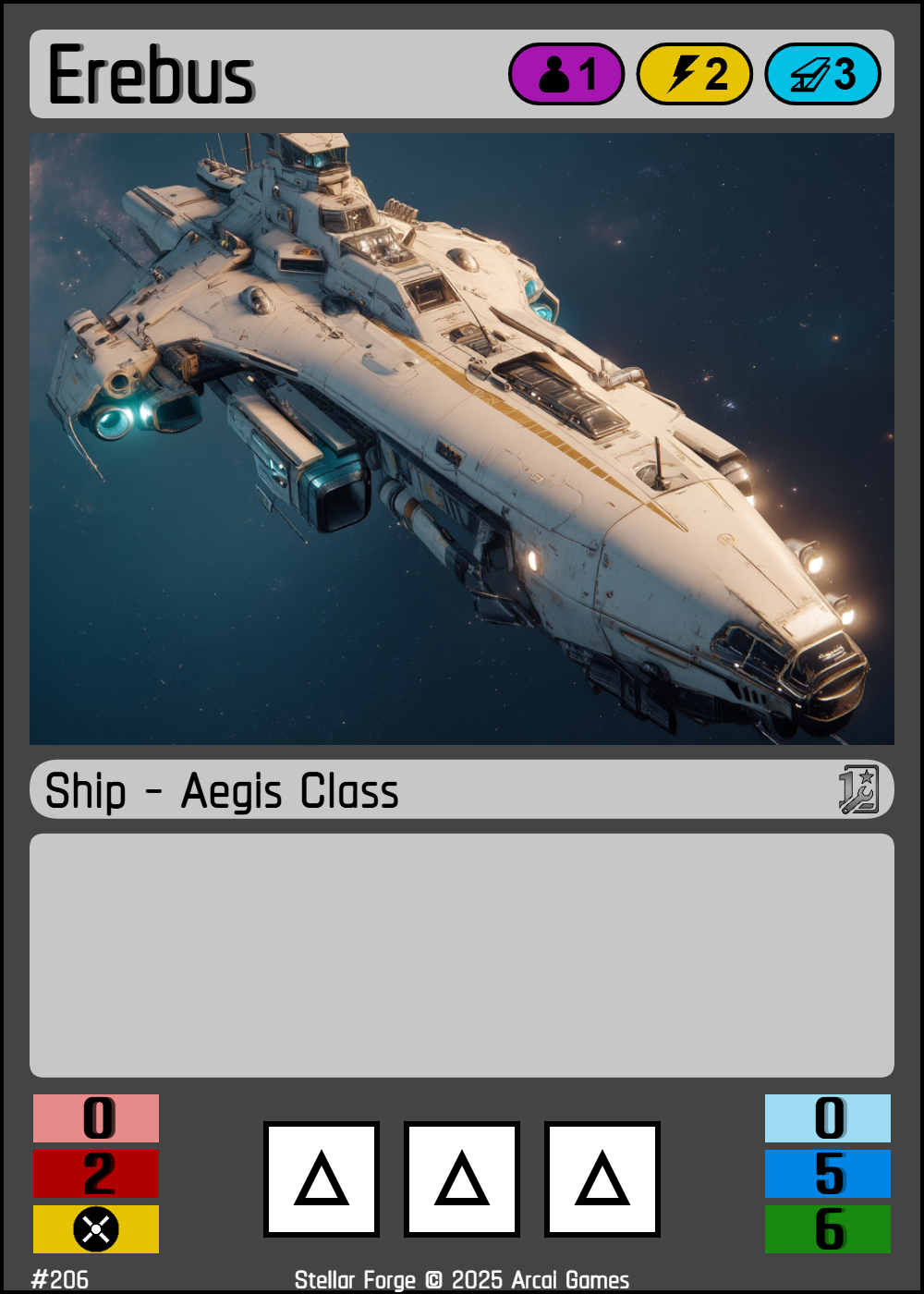
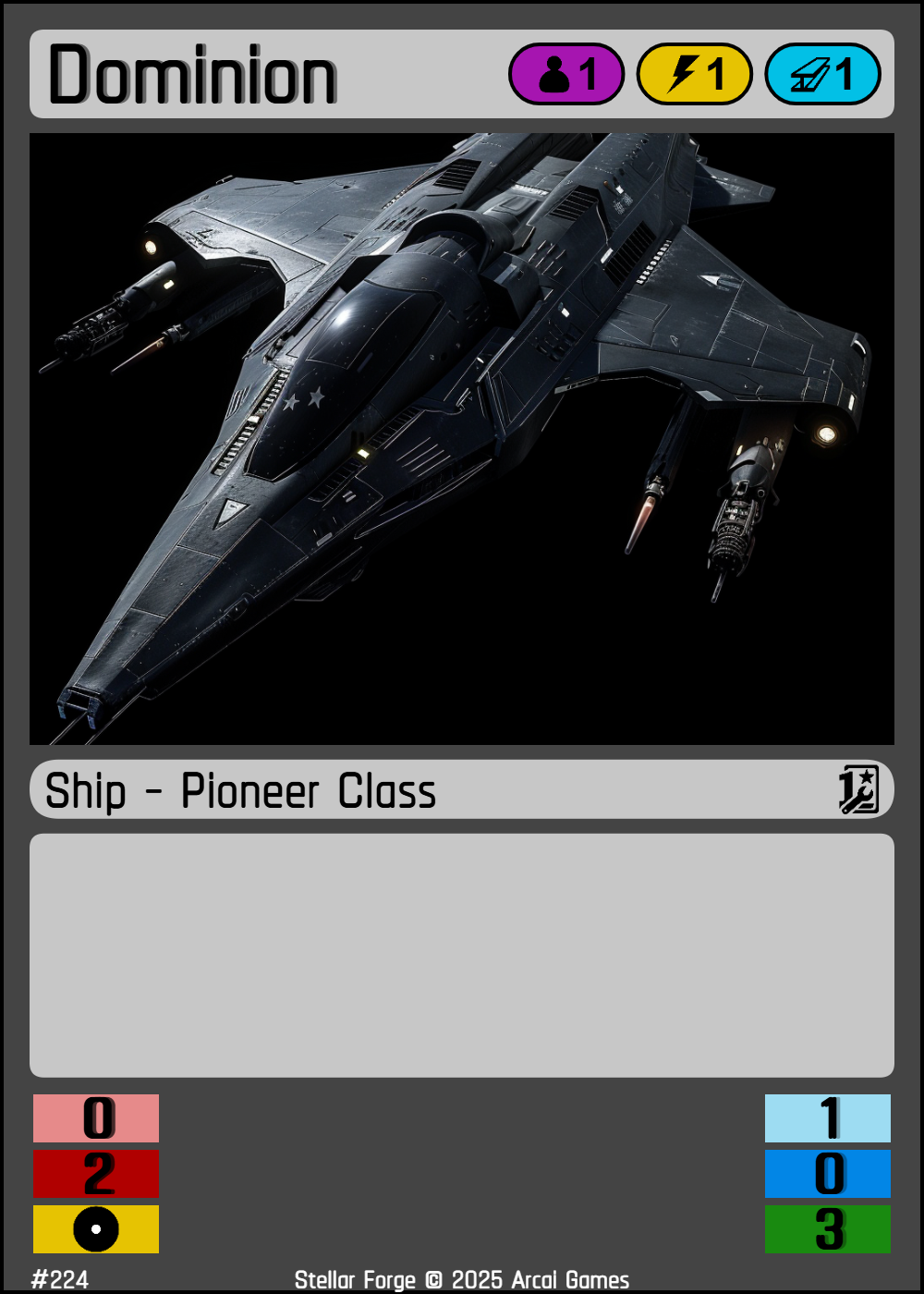
Mobile units for navigation and battle. Construct by paying its cost during Operation Phase at a planet with a Shipyard; enters play engaged at that planet. Ships can have Upgrade Slots for Tech and have 6 Stats:
| Stat Name | Description | |
|---|---|---|
| Energy Attack | EA | Deals damage first. Deals all damage 1:1. |
| Physical Attack | PA | Deals damage after Energy Attack. Must deal 2 damage to shield to reduce a shield by 1 (2:1 ratio). |
| Shield | SH | Absorbs damage before armor or hull points. Regenerates between battle cycles. |
| Armor | AR | Absorbs damage before hull points. Does not regenerate between battle cycles. |
| Hull Points | HP | The ship's maximum health. When reduced to 0, the ship is destroyed and put into the junk pile. Any installed techs upon destruction of the ship remain at the current zone and orbit until end of turn (internal ship tech becomes revealed). |
| Speed | SP | Indicates how a ship can Navigate. See Navigation Phase for details. |
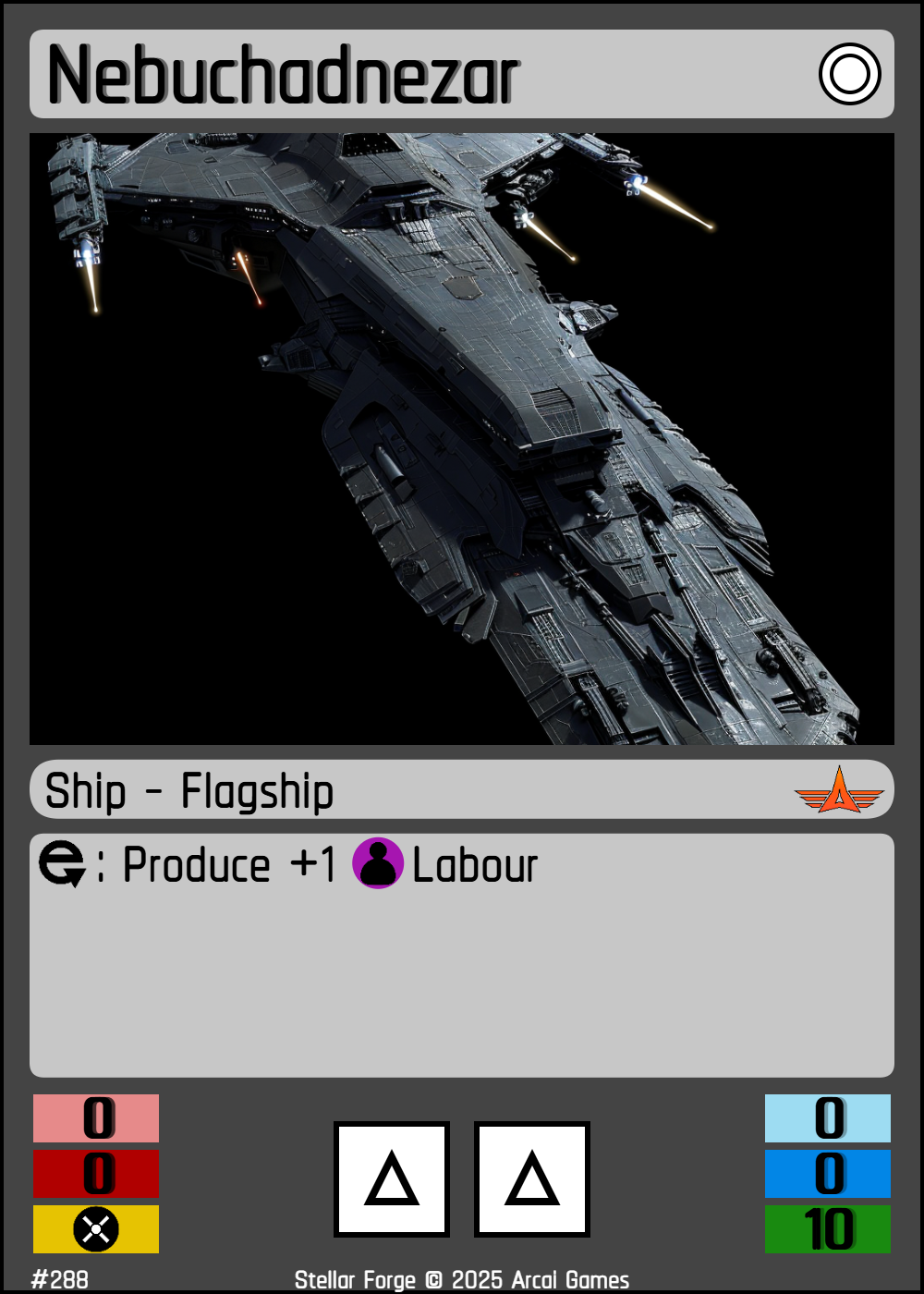
Your unique command vessel. Placed face-up at Zone 1 start position; starts at first star’s position. Destruction ends the game.
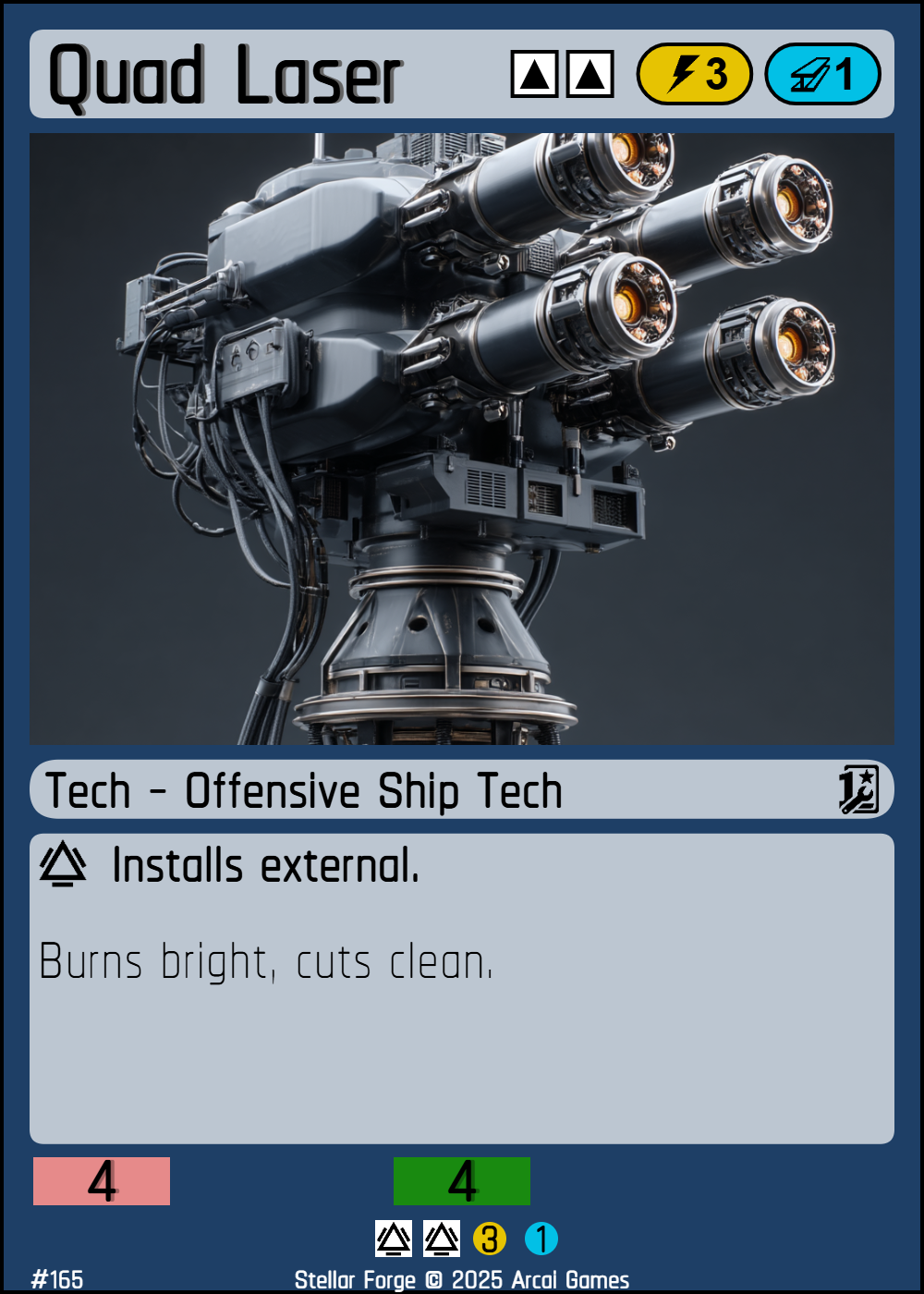
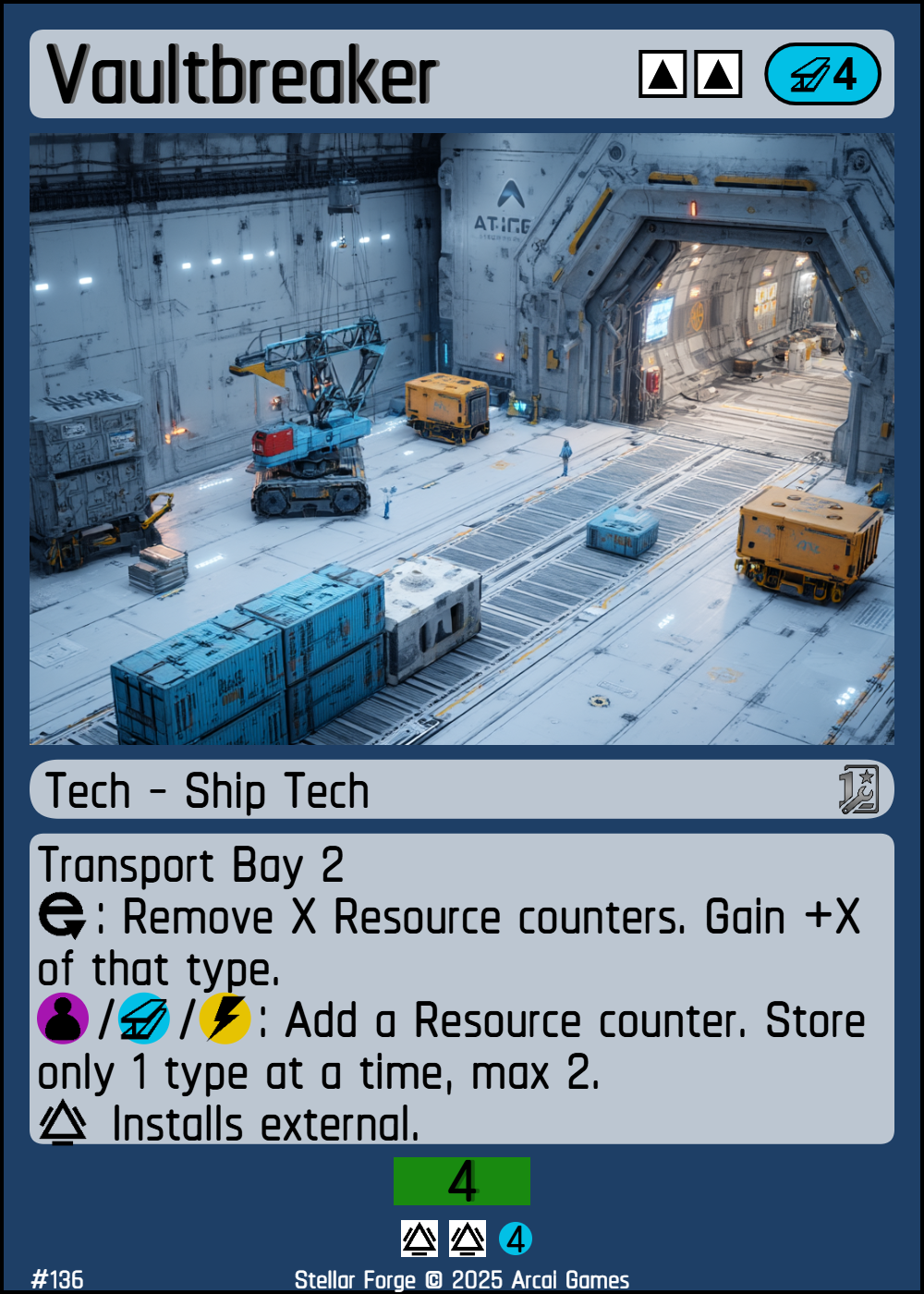
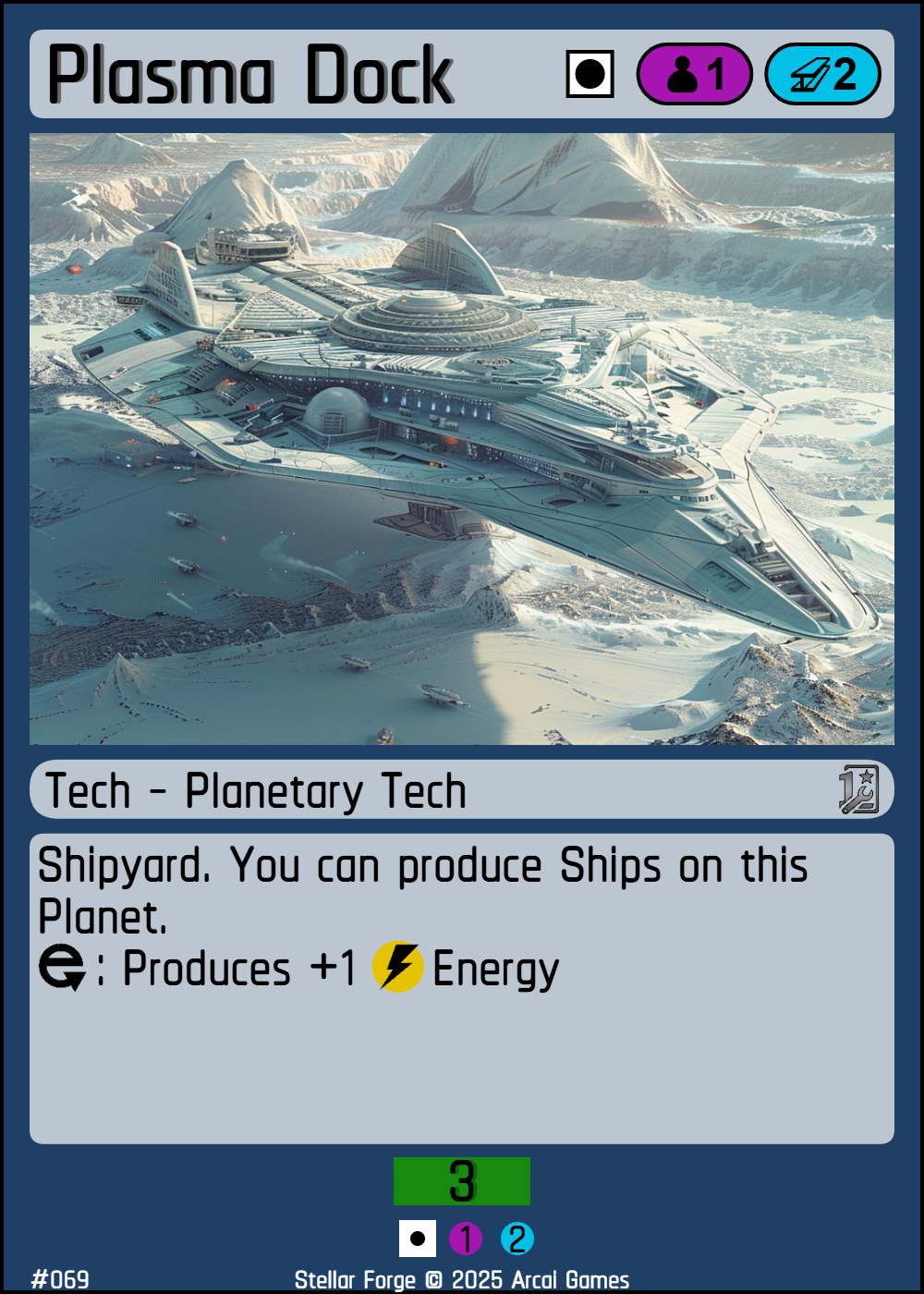
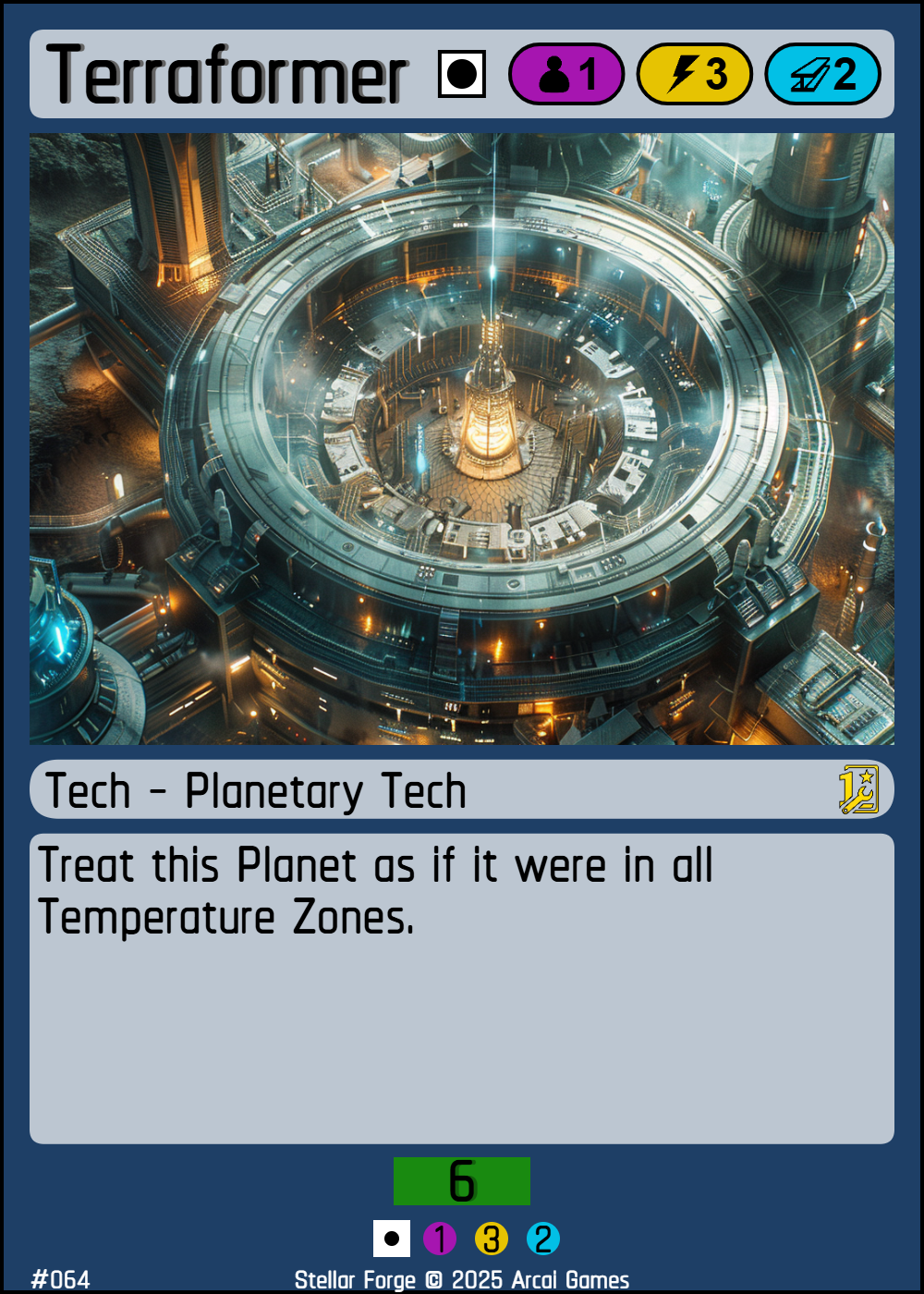
Upgrades for ships or planets that provide resources, abilities, bonuses or stat enhancements. Install by paying its cost during Operation Phase on a valid target with enough empty slots; tech attaches and the corresponding slots become occupied ( -> for ships, -> for Planets). Place planetary Tech on the side of the planet. Place ship Tech under your ship. Internal ship Tech reveals only the card cost on the bottom of the card, while external ship Tech must reveal all stats. If your ship holding internal ship Tech gets scanned or enters a War Cycle, reveal all internal ship Tech.
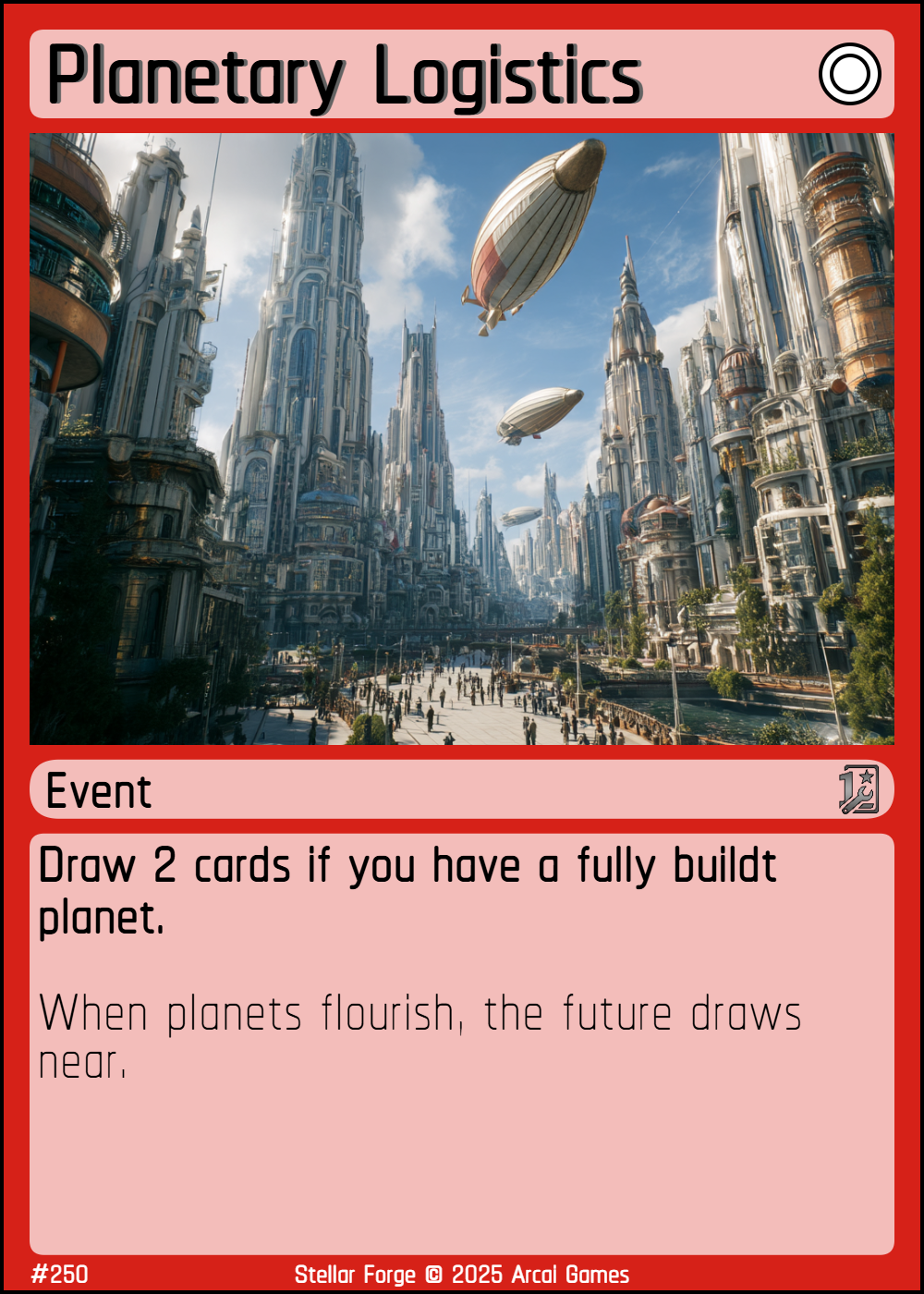
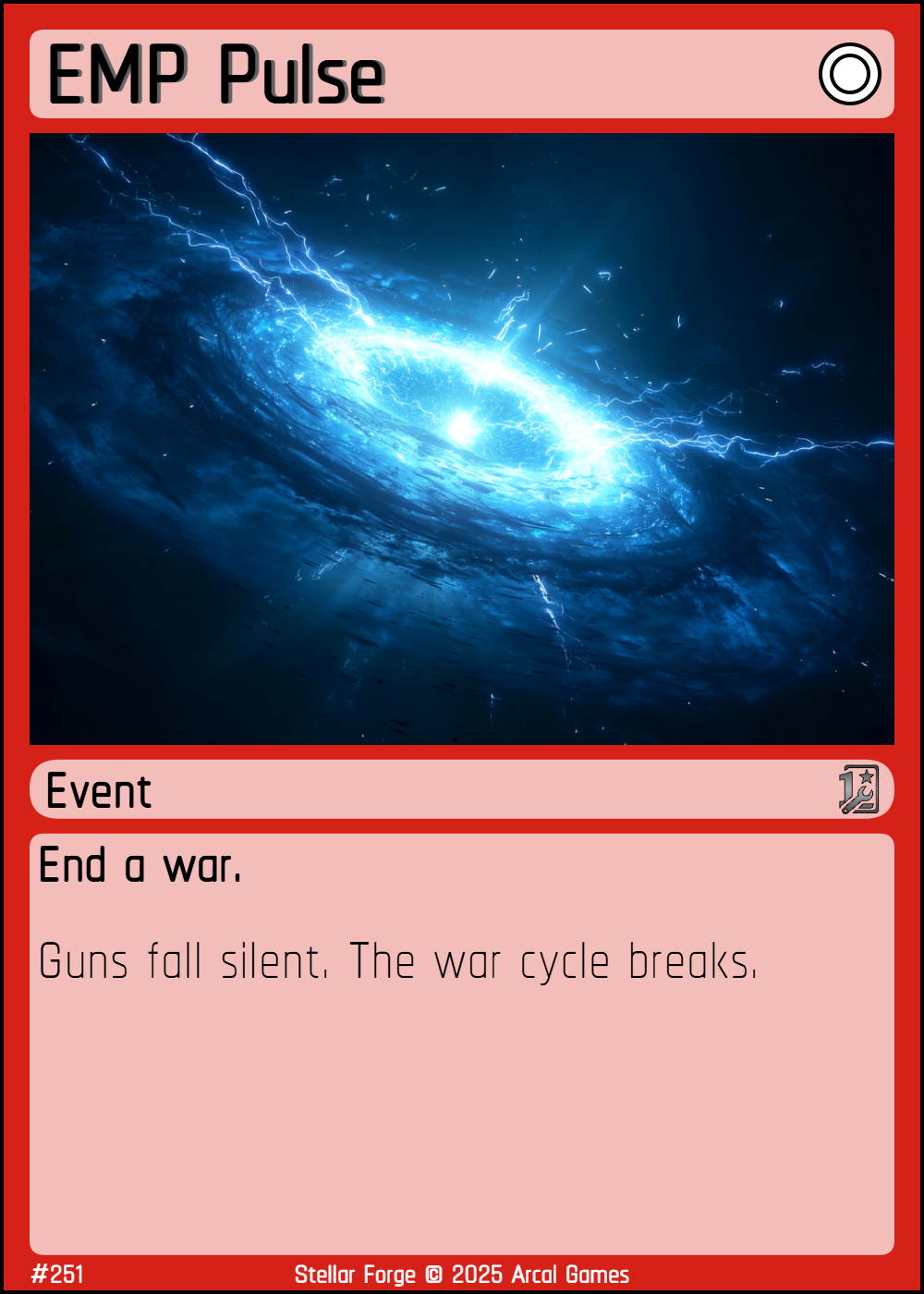
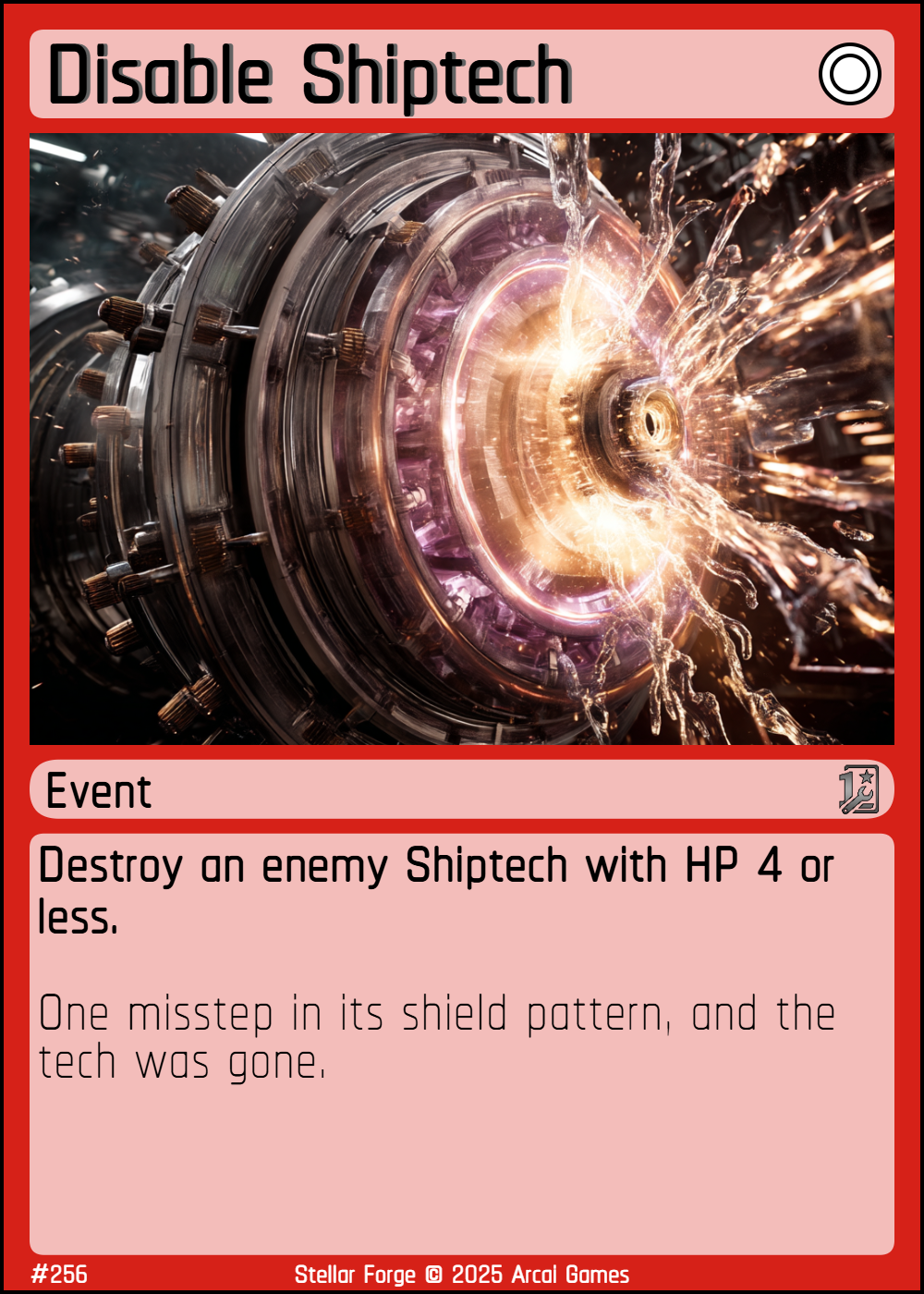
One-time effects resolved immediately. Play by paying its cost during Operation Phase; resolve effect, then send the card to the Void.
Cards can have abilities which need to be Activated. To do so, you must  : engage the card. This is indicated by tapping... err; turning the card sideways.
| # | Phase | Actions |
|---|---|---|
| 1 | Disengage | Disengage all engaged cards. |
| 2 | Draw | Draw one card from Destiny. |
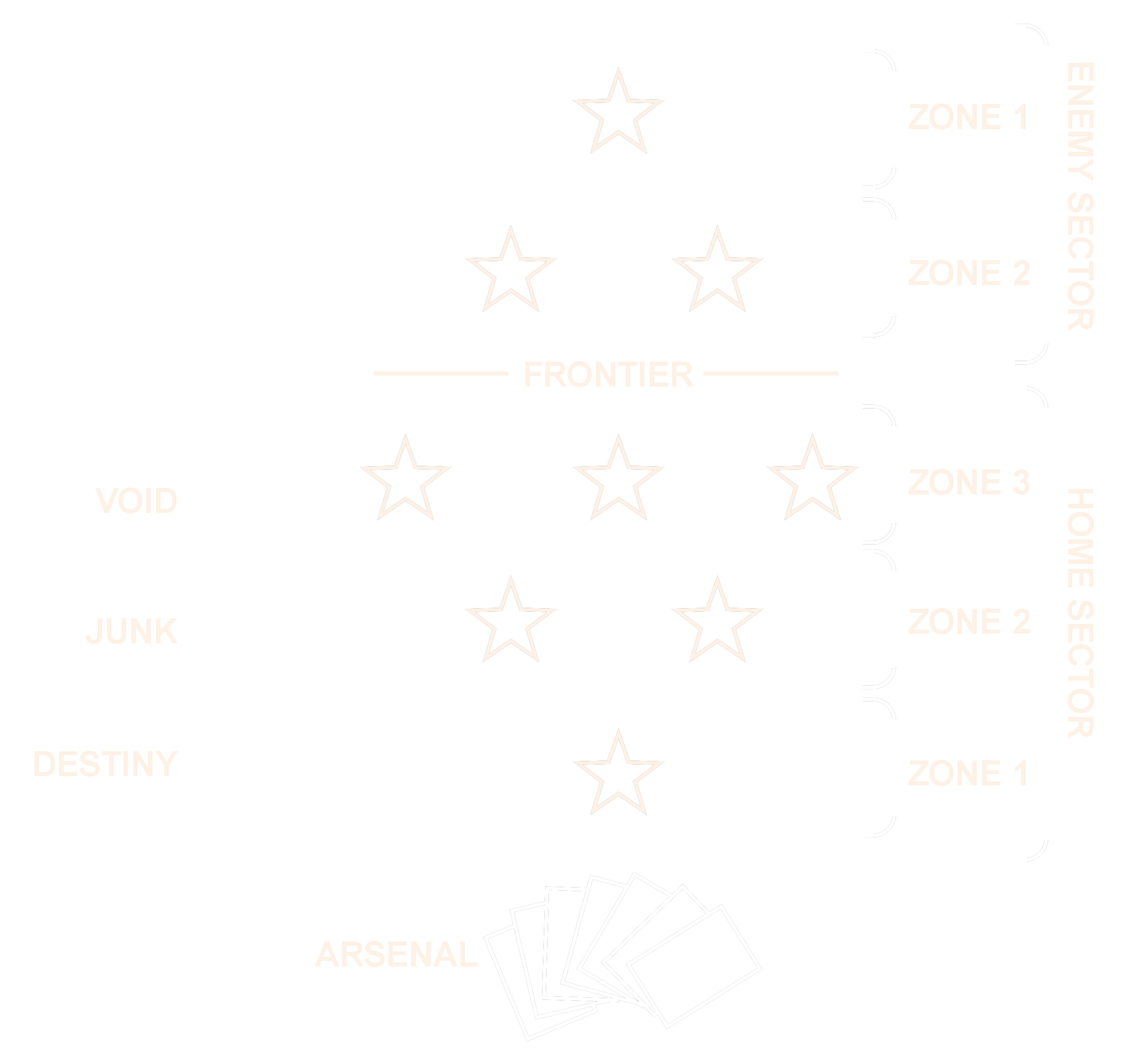
| 3 | Exploration | Discover one star or one planet. If you discover a star, you may immediately discover a planet into one of that star’s empty orbits. Stars are normally placed only in your sector; after all slots in your Zone 2 are filled, you may place stars in the enemy sector. The pyramid rule still applies on both sides of the Frontier. |
| 4 | Operation 1 | See Operation Phase rules. |
| 5 | Navigation | Move ships according to speed and navigation rules. If ships/techs from opposing players share a location, battles may occur. See Navigation Phase for full details. A ship may cross the Frontier only if both players’ Zone 2 is full; on crossing, it may appear at any legal target in the opponent’s highest populated zone. |
| 6 | Battle | Whenever ships or techs from both players occupy the same star or planet, a battlefield is created there and all cards at that location join the battle. Only the current player may start the battle-cycle on the battlefield. Each battlefield is resolved separately. See Battle Phase rules for full details. |
| 7 | Operation 2 | See Operation Phase rules. |
| 8 | Discard | Arsenal-size limit 7; discard extras to the junk-pile. |
During each Operation Phase you generate resources, build ships and tech, and manage cargo.
| Action | Requirements | Result |
|---|---|---|
| Construct Ship | Planet with an operational Shipyard; pay the ship’s cost. | Ship enters play at that planet (engaged). |
| Install Ship Tech | Ship at an operational Shipyard; pay the tech’s cost. The ship must have enough empty slots for the tech’s slot cost. | Tech attaches to the ship. The required slots become occupied and are no longer free. |
| Install Planetary Tech | Pay the tech’s cost. The planet must have enough empty slots for the tech’s slot cost. No enemy planetary tech present. | Tech attaches to the planet (engaged). The required slots become occupied and are no longer free. |
| Play Event | Pay the event’s cost. | Resolve the effect, then place the card in the void. |
The Navigation Phase consists of moving your ships according to their given speed.
| Speed | Icon | Description |
|---|---|---|
| Orbital |  |
Cannot move by itself and is bound to its current orbit. To move, a Speed 0 ship must be upgraded (e.g. with an engine or tech that grants speed) or be carried by a suitable carrier or support ship with an available slot. |
| Planetar |  |
May move only within the current star system (between the star and its planets). |
| Stellar |  |
May move diagonally to an adjacent star system. Upon entering a new system, may target the star or any of its planets. |
| Interstellar |  |
May move diagonally or horizontally within the same zone to an adjacent star system. Always targets the star or any planet in the destination system. |
| Warp |  |
May move diagonally, horizontally (same zone), or vertically (effectively skipping one zone) to an adjacent star system. May target star or planets on arrival. |
Once a battlefield is set, resolve battle-cycles as described below.
Repeat the above for each active battlefield on the board during the Battle Phase.
| Arsenal | The cards in your hand. |
| Arsenal Limit | The maximum number of cards you can hold in hand at the end of your turn (usually 7). |
| Battle-cycle | A single round of attack and defense at a battlefield, including damage, regeneration, and the choice to continue fighting. |
| Battlefield | A location (star or planet) where cards from both players are present and attacks may occur. |
| Destiny | Your face-down draw pile. |
| Discover | Playing a star and/or planet; they count as discovered until end of turn. |
| Engage / Disengage | Turn a card sideways to use it ( engaged), upright to ready it (disengaged). |
| Engaged | A card that is turned sideways to indicate it has acted and cannot act again this turn. |
| Event | A card that represents a one-time effect; played, resolved, and then sent to the void. |
| Flagship |  Your unique, central ship; its destruction means defeat. Your unique, central ship; its destruction means defeat. |
| Floating Resources | Unspent resources that vanish at the next Resource Burn. |
| Frontier | The line between your Home Sectors and the Enemy Sector. |
| Junk | Discard pile. |
| Modular Storage | Ability on all Flagships and some specialized ships: an empty tech slot may hold one Metal or Energy token; if a Ship Tech is later installed there, discard the token. |
| Orbit | Slot around a star where one planet can be placed. Orbits have temperature zones Hot, Temperate or Cold. |
| Resource |
The three basic resources:
 Labour, Labour,
 Metal, Metal,
 Energy. Energy.
|
| Resource Burn | End of phase step where all unspent floating resources expire. |
| Sector | The areas of the board controlled by you (Home Sector) and your enemy (Enemy Sector); separated by the Frontier. |
| Shipyard | A planet ability that allows construction or upgrading of ships and installation of ship tech. |
| Slot | Empty slot which is used to install tech on a ship or planet . |
| Tech | A card representing equipment or upgrades, occupies empty slots on ships or planets for resource generation, stat enhancement or other special effects. |
| Void | Cards removed from the game. |
| Zone | Subsections of a sector, indicating where stars may be placed (Zone 1, Zone 2, etc.). |